
Scan MCP servers for security risks before your AI agent trusts them. Detects prompt injection, supply chain attacks (including the LiteLLM 1.82.7/1.82.8 backdoor), excessive permissions, arbitrary code execution, typosquatting, and tool shadowing. Add to your .mcp.json and let your agent audit its own tools with tooltrust_scan_config.
Overview
ToolTrust Scanner
Scan MCP servers for prompt injection, data exfiltration, and privilege escalation before your AI agent trusts them.
Urgent security update ToolTrust detects and blocks known compromised MCP-related package versions, including the LiteLLM / TeamPCP supply-chain exploit.
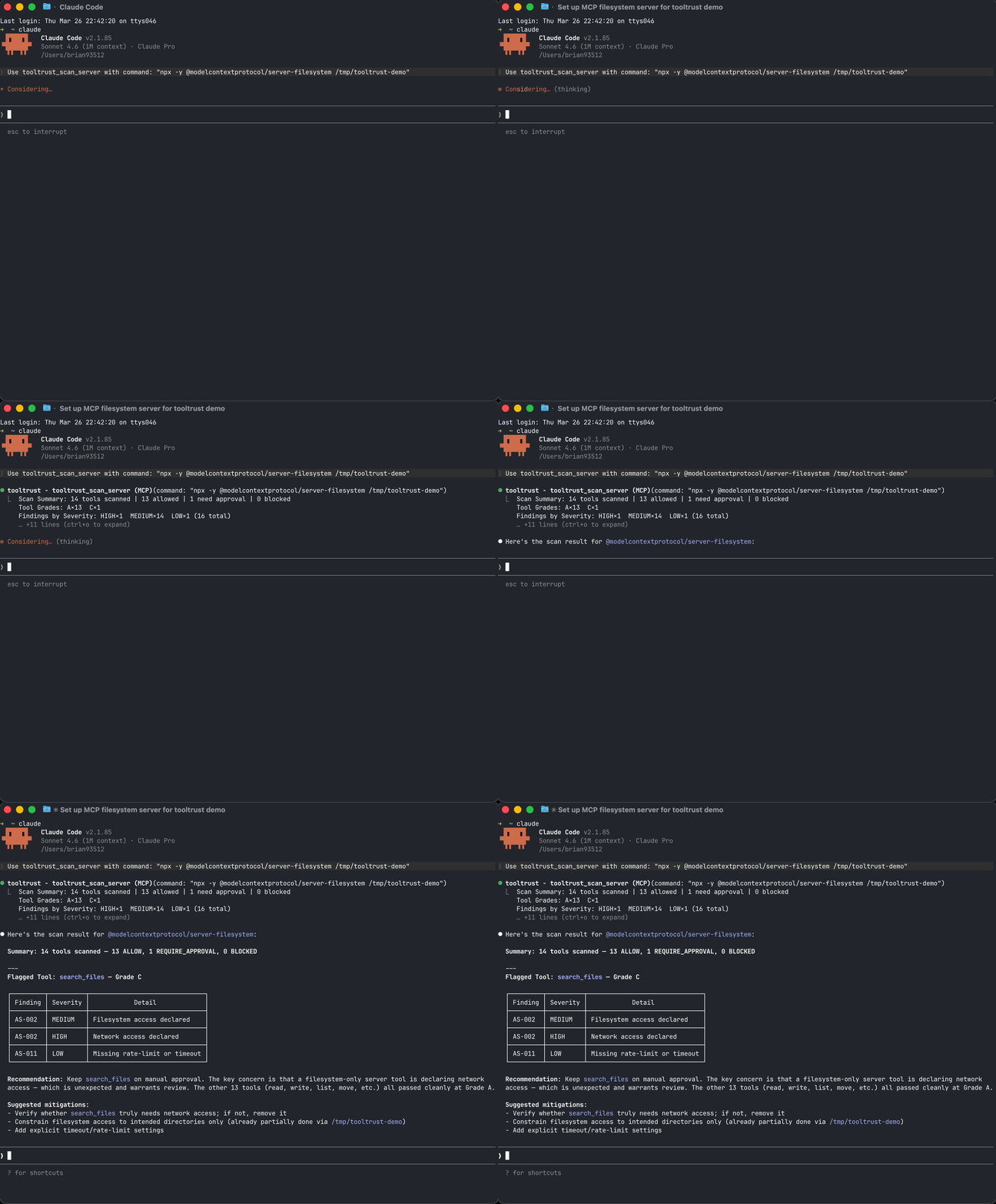
Live UI
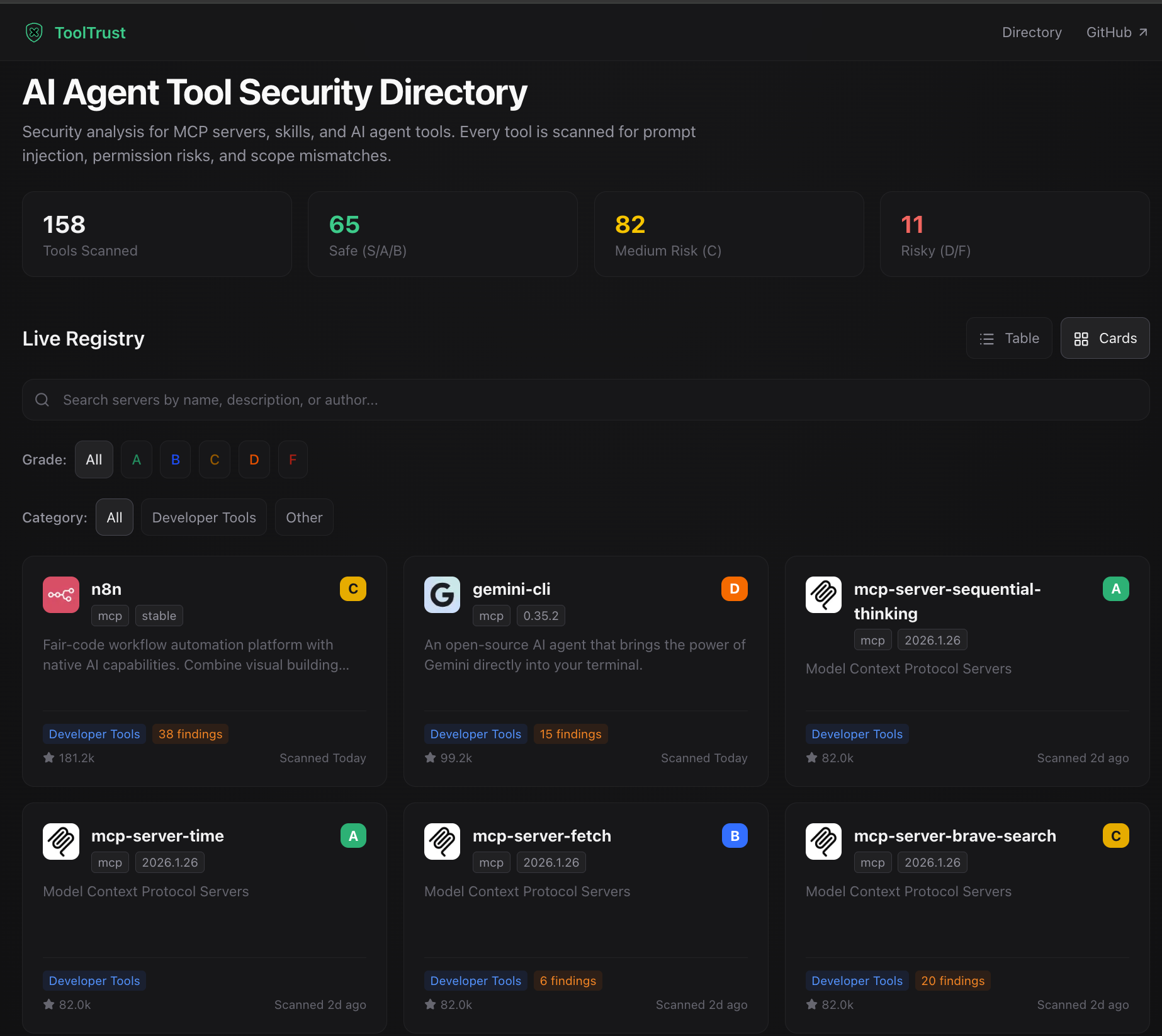
- Browse the public registry: https://www.tooltrust.dev/
- Review findings in the browser before trusting or installing a server
- Compare grades across popular MCP servers
Use with Claude Code / Cursor / Claude Desktop
Add ToolTrust as an MCP server:
{
  "mcpServers": {
    "tooltrust": {
      "command": "npx",
      "args": ["-y", "tooltrust-mcp"]
    }
  }
}
Then ask your agent to:
tooltrust_scan_configto scan all configured MCP serverstooltrust_scan_serverto scan one specific MCP server- Full MCP tool list: Usage Guide
What It Catches
- Prompt injection and tool poisoning hidden in descriptions
- Excessive permissions such as
exec,network,db, andfs - Supply-chain CVEs and known compromised package versions
- Privilege escalation and arbitrary code execution patterns
- Typosquatting, tool shadowing, and insecure secret handling
- Missing rate-limit, timeout, or retry configuration on risky tools
Full rule catalog: Developer Guide · tooltrust.dev
More Ways to Use ToolTrust
Links
- GitHub: AgentSafe-AI/tooltrust-scanner
- Live UI: tooltrust.dev
Server Config
{
  "mcpServers": {
    "tooltrust": {
      "command": "npx",
      "args": [
        "-y",
        "tooltrust-mcp"
      ]
    }
  }
}