
📸 Preview

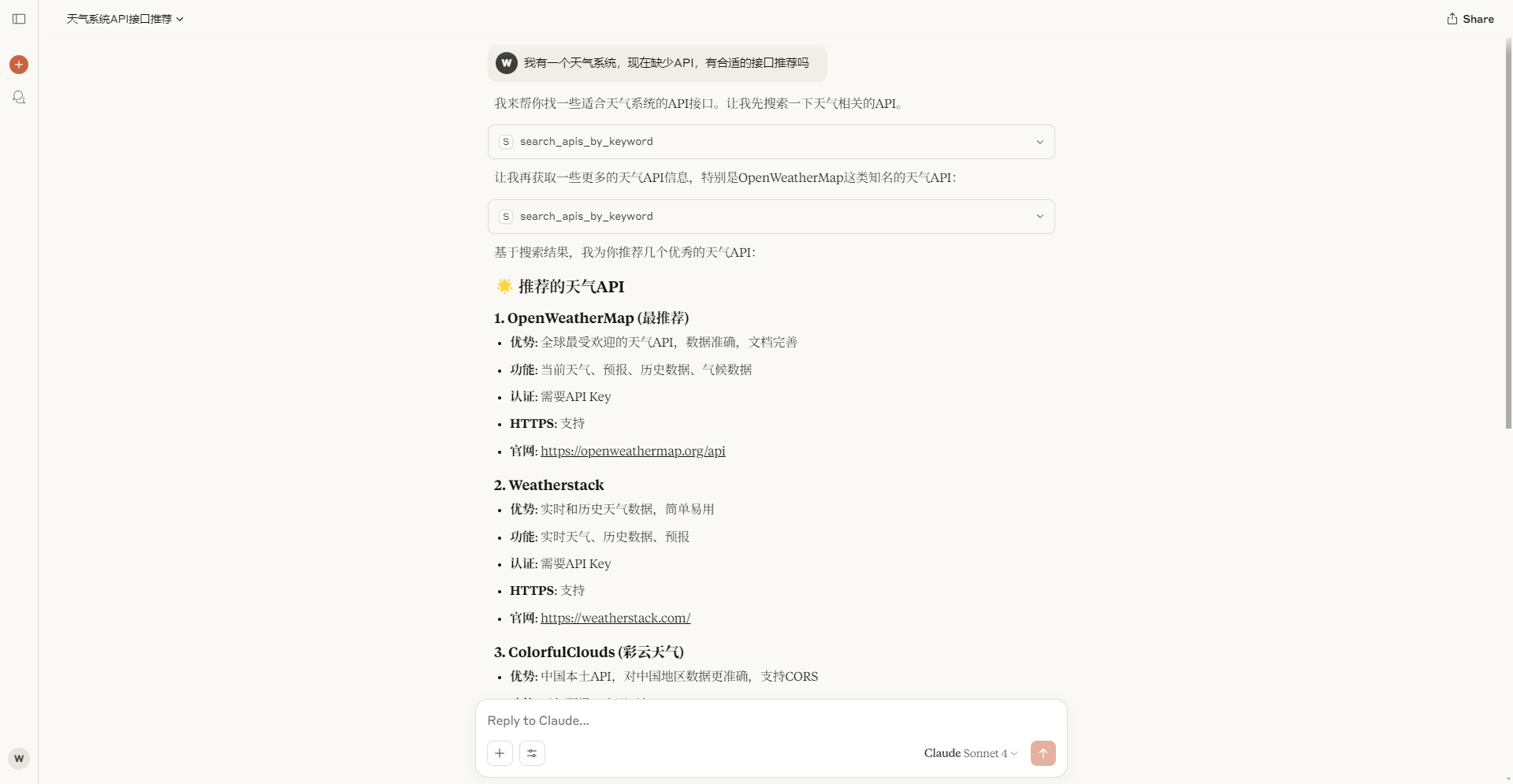
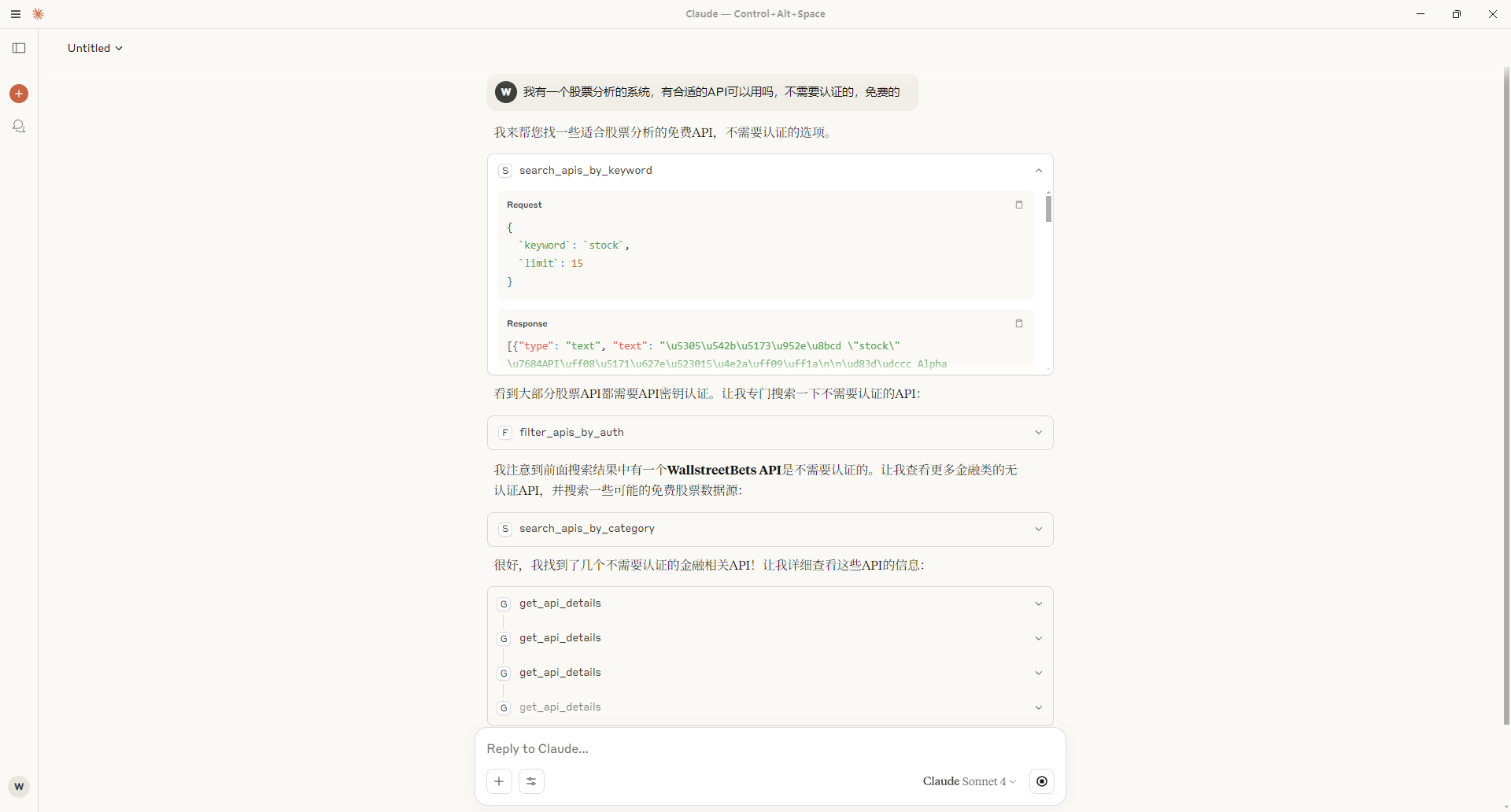
what is Public Apis Mcp?
Public Apis Mcp provides intelligent access and management features for the public-apis database. It offers developers a convenient way to discover, search, and integrate public APIs. By using the standardized MCP protocol, you can easily integrate a rich set of public API resources into various AI assistants and development tools.
how to use Public Apis Mcp?
To use Public Apis Mcp, you need to configure it in a compatible MCP client (e.g., Cursor). First, ensure you have the latest version of the Cursor client. Then, install the package globally using npm install -g @weilei_kyle/public-apis-mcp. After installation, you can set up the configuration as follows:
{ "mcpServers": { "howtocook-mcp": { "command": "npx", "args": ["-y", "@weilei_kyle/public-apis-mcp"] } } }
key features of Public Apis Mcp?
- Intelligent access to a wide range of public APIs.
- Easy integration with various AI assistants and development tools.
- Standardized MCP protocol for seamless API management.
use cases of Public Apis Mcp?
- Discovering new public APIs for application development.
- Integrating public APIs into AI-driven applications.
- Managing API resources efficiently across different platforms.
FAQ from Public Apis Mcp?
- What is the MCP protocol?
The MCP protocol is a standardized method for managing and accessing public APIs, making it easier for developers to integrate them into their applications.
- Is Public Apis Mcp free to use?
Yes! Public Apis Mcp is free to use for developers.
- Can I use Public Apis Mcp with any MCP client?
Yes! Public Apis Mcp is designed to work with any client that supports the MCP protocol.
Server Config
{
  "mcpServers": {
    "public-apis-mcp": {
      "command": "npx",
      "args": [
        "-y",
        "@weilei_kyle/public-apis-mcp"
      ]
    }
  }
}