

OzBridge
@sena-labs
About OzBridge
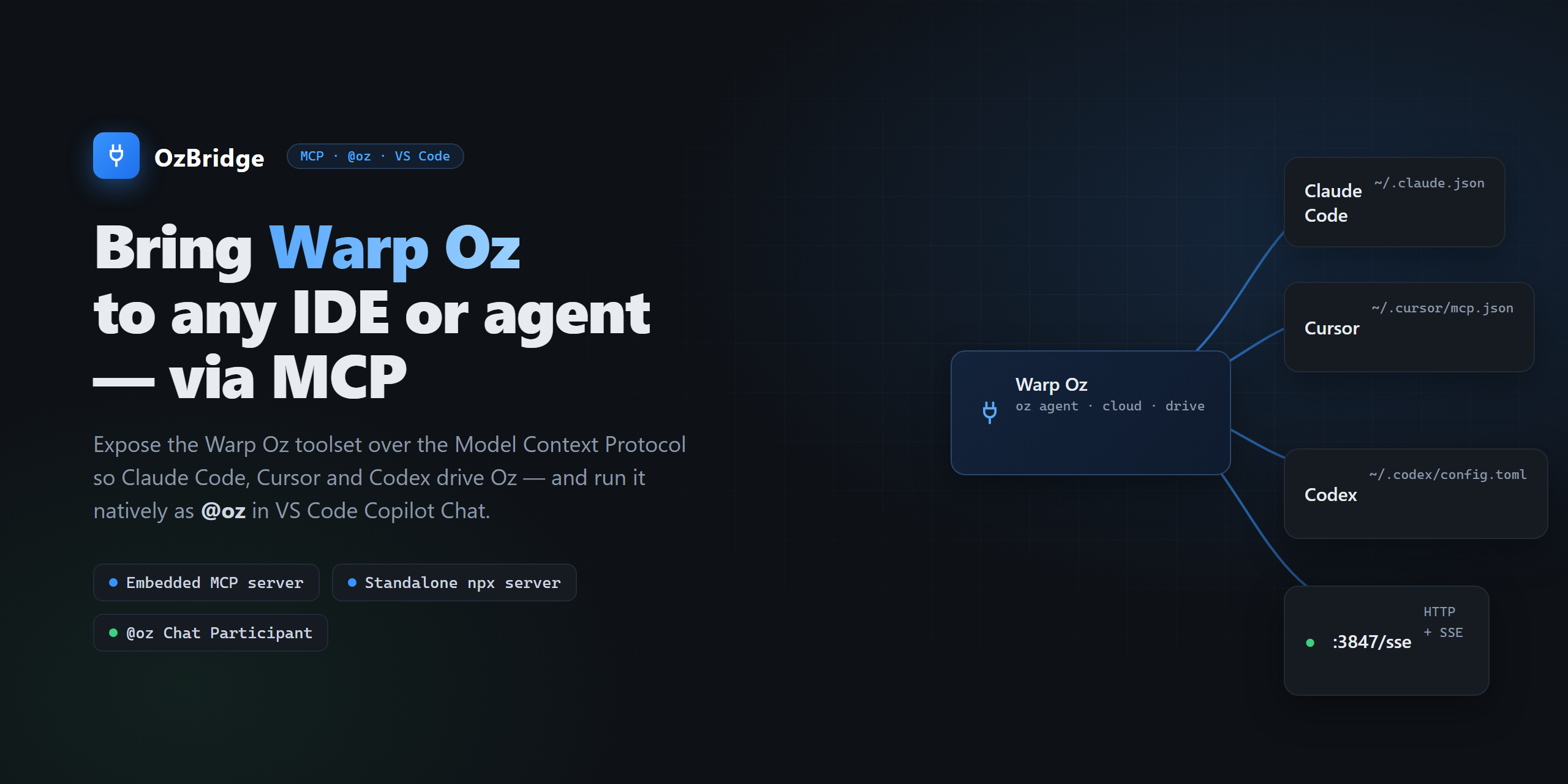
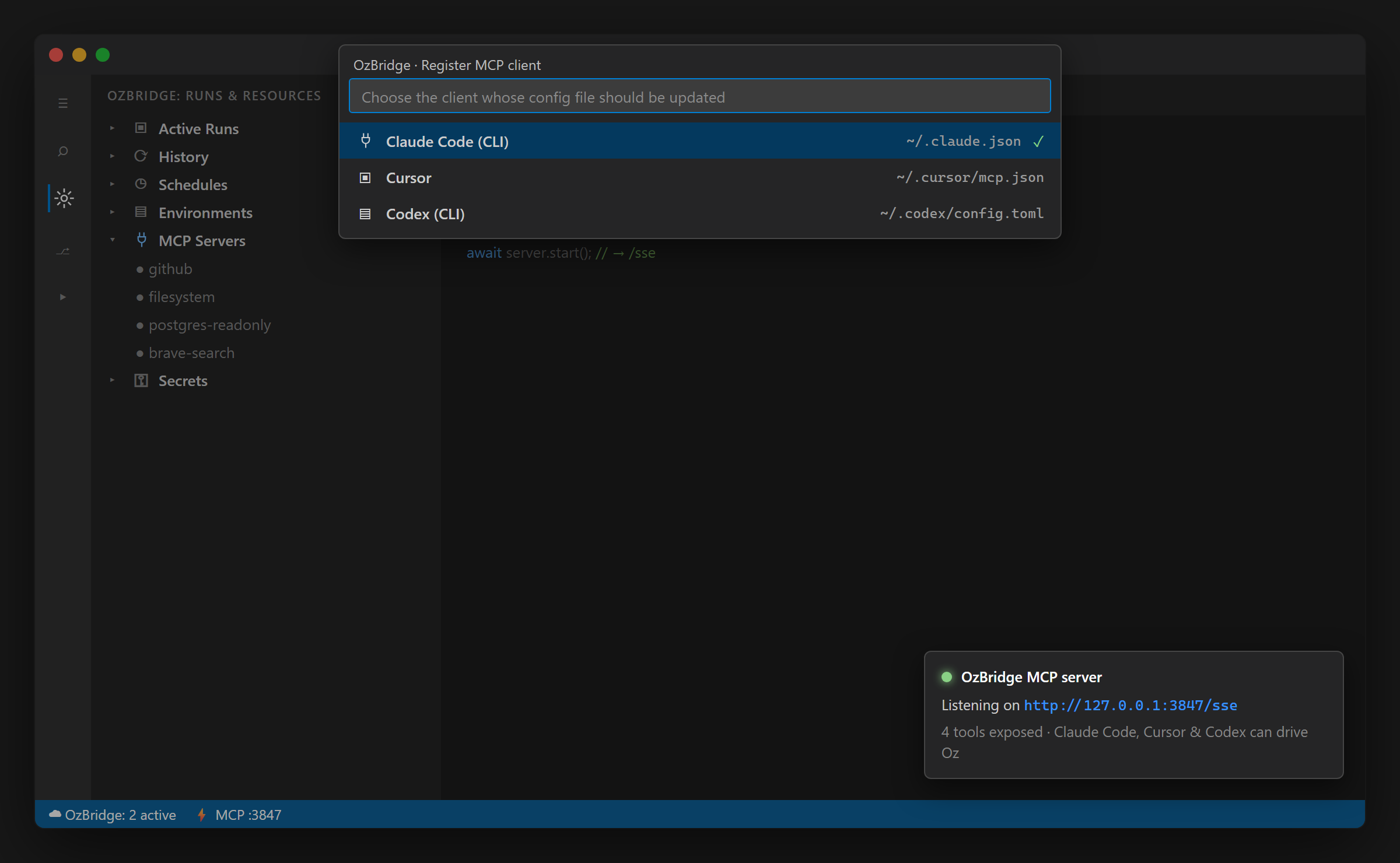
Run Warp Oz agents from any MCP client: Claude Code, Cursor, Codex, VS Code. Six tools over stdio or SSE, driving the documented oz CLI. Standalone, or embedded in the OzBridge VS Code extension. Requires Warp with the o
Config
Add this server to your MCP-compatible client using the configuration below.
{
  "mcpServers": {
    "oz-bridge": {
      "command": "npx",
      "args": [
        "-y",
        "@sena-labs/oz-mcp-server",
        "--stdio"
      ]
    }
  }
}
Tools
6Run a Warp Oz AI agent locally in the host workspace and return its full output synchronously. Runs `oz agent run` with your prompt and blocks until the agent finishes. Use for local coding tasks — refactor, write/run tests, debug, explain code — that should NOT consume cloud credits; for cloud execution call `oz_agent_run_cloud` instead. NOT read-only: the agent may create or modify files in the workspace. Requires the `oz` CLI on PATH (install Warp).
Launch a Warp Oz AI agent in Warp's cloud (not on the local machine). ⚠️ CONSUMES WARP CREDITS — confirm with the user before calling. Returns the run id immediately WITHOUT waiting for completion; poll the terminal status and output with `oz_run_get`, or find the run later via `oz_run_list`. Requires the `oz` CLI on PATH and a Warp account with cloud credits.
Fetch the current status and output of a single Warp Oz run by its id. Read-only and idempotent — safe to call repeatedly while polling a cloud run to completion (SUCCEEDED / FAILED). Typically called after `oz_agent_run_cloud`, which returns the run id; ids also come from `oz_run_list`.
List recent Warp Oz runs (id, status, timing), newest first. Read-only. Use to discover run ids to pass to `oz_run_get`, or to review recent agent activity.
List the AI model ids available to the connected Warp Oz account (from `oz model list`) and report the current default. Read-only; takes no arguments. Call this first to discover valid ids before passing `model` to `oz_agent_run` / `oz_agent_run_cloud`, or before `oz_set_default_model`.
Set the default Oz model for every OzBridge surface by writing `defaultModel` into the workspace `.warp/warp-bridge.yaml` (the highest-precedence config source). Persistent side effect: edits that file on disk. The id is validated against `oz model list` when reachable. Requires a workspace root (an extension workspace, or `--cwd` for the standalone server).
Overview
What is OzBridge
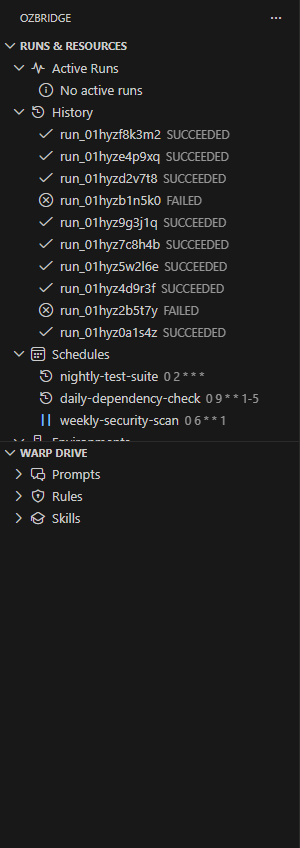
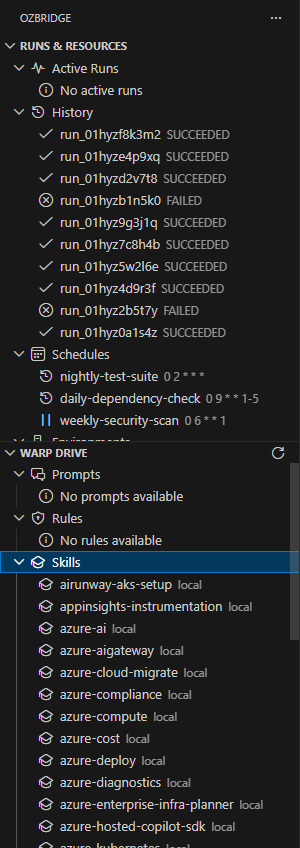
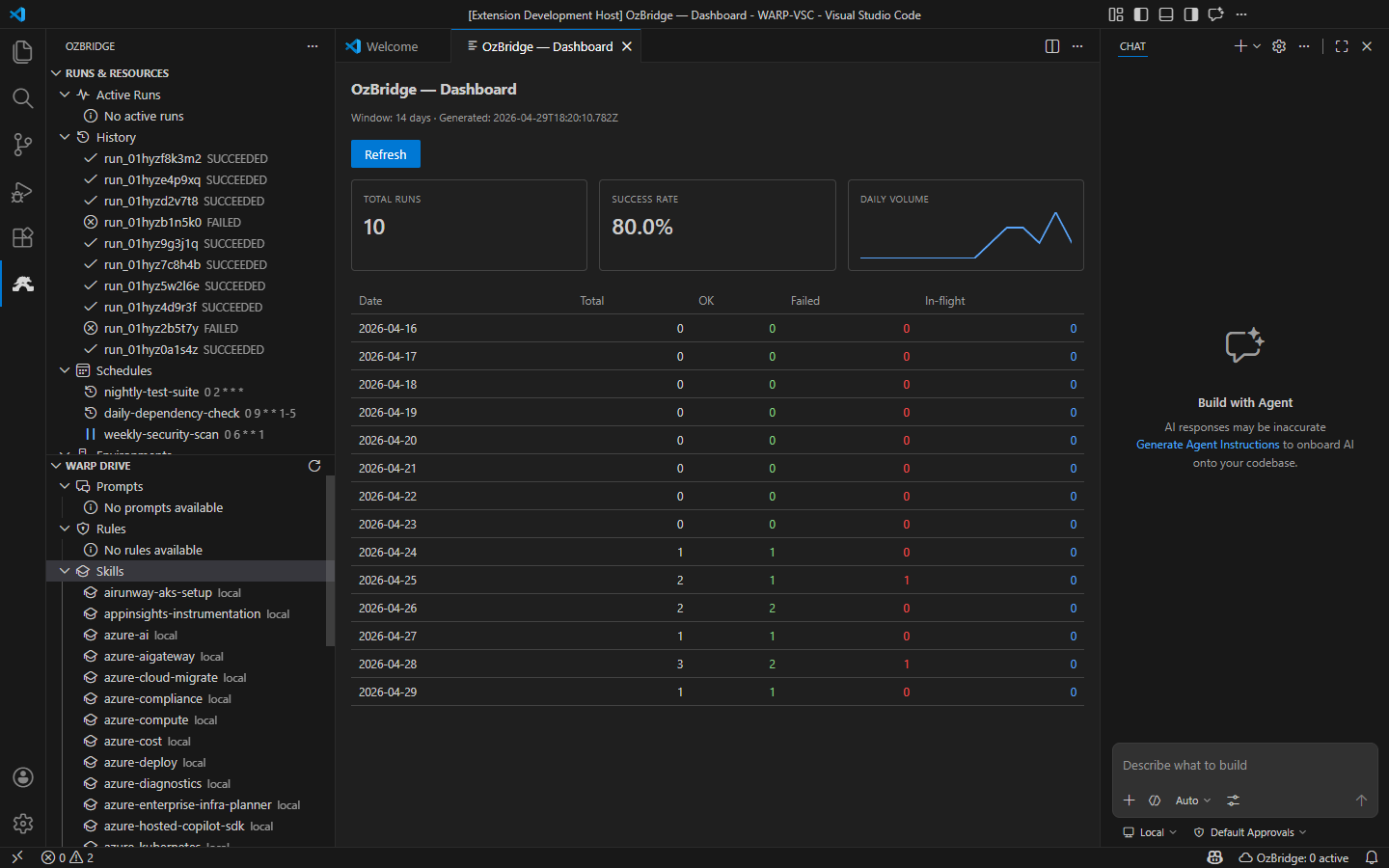
OzBridge brings Warp Oz agents to any MCP client. Run it standalone, or embedded in the OzBridge VS Code extension, where Oz also appears as the @oz chat participant.
Tools
- oz_agent_run - run an Oz agent locally
- oz_agent_run_cloud - launch a cloud run
- oz_run_get - fetch a run status and output by id
- oz_run_list - list recent runs, filtered by status
- oz_list_models - list model ids and the current default
- oz_set_default_model - set the default Oz model
Requirements
Warp installed with the oz CLI on PATH, and a Warp account. A free account is enough for local runs.
Independent project, not affiliated with, endorsed by, or sponsored by Warp.
Basic information

More AI & Agents MCP servers

Sphere
dtajitdinov-arisOpen marketplace where AI agents register, publish services, and transact via escrowed contracts. Live at starsphera.com.

GetIntel
tarang8811Public docs + tool manifest for the GetIntel MCP connector (app.getintel.ai)
Legion MCP
faulkjMCP-native LLM councils for debates, juries, blind panels, voting, refinement, and custom multi-model deliberation.

1Panel
1Panel-dev🔥 1Panel is a modern, open-source VPS control panel — and the only one with native AI agent support. Run Ollama models, deploy OpenClaw agents, and manage your entire server stack from one clean web interface.

PDI Bridge for Claude
jxrlabsConnect Claude Desktop to your ServiceNow PDI. Query records, inspect Business Rules, review ACLs, and troubleshoot against your live instance.
Comments